
How to Schedule Office Cleaning Crews Efficiently
A practical playbook for office cleaning operators: recurring crew templates, multi-building dispatch, after-hours verification, and the metrics that actually move profit.
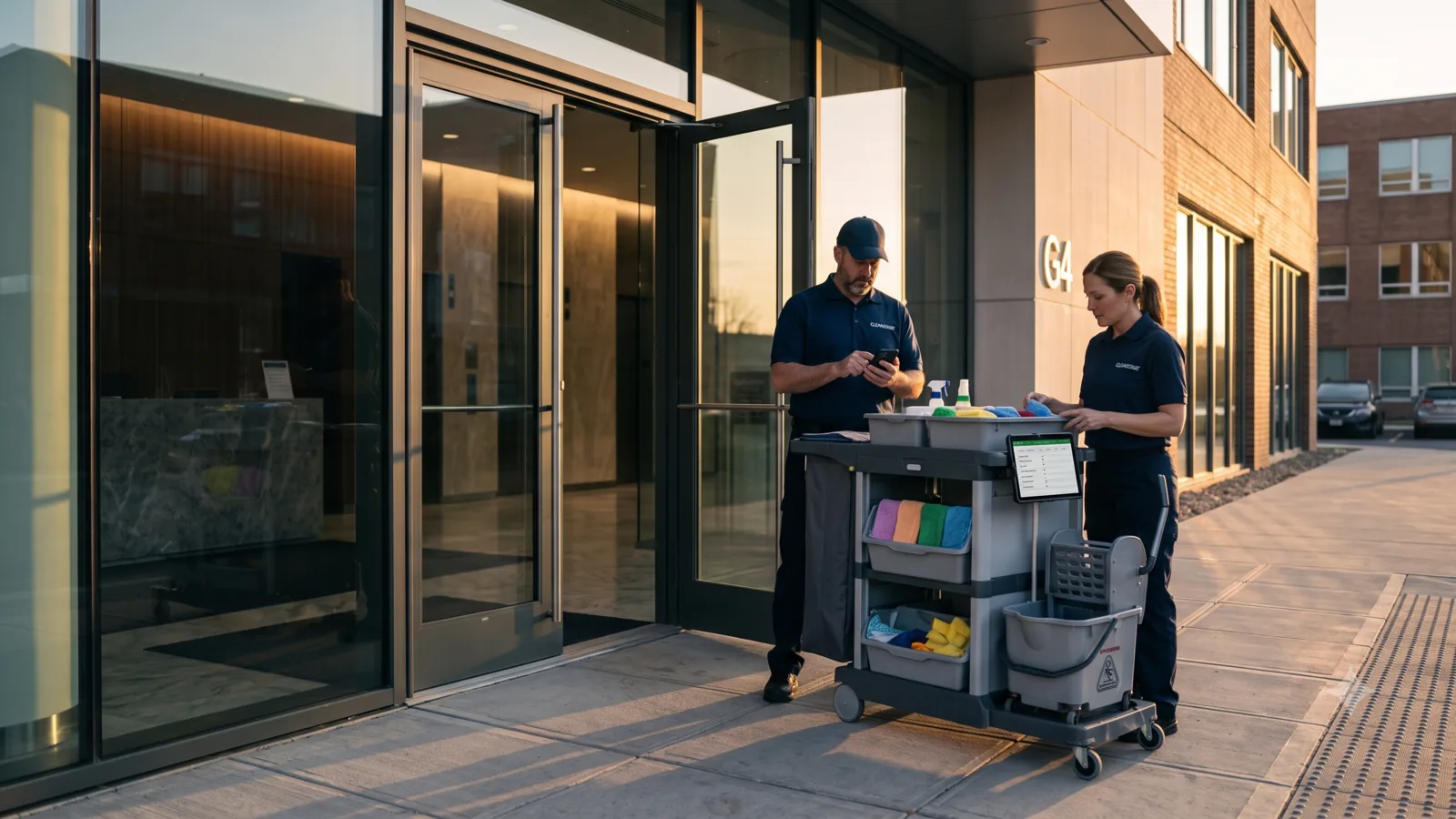
Office cleaning is a workforce business hiding inside a service business. The contracts are big, the margins are tight, and almost everything happens after the client has gone home. If your dispatcher is rebuilding the schedule in a spreadsheet every Sunday night and your crews are texting "done" instead of capturing proof, you are leaking margin on every single account. This is a practical playbook for office cleaning scheduling in 2026 — what to standardize, how to dispatch, how to verify work without supervisors on site, and which metrics actually predict whether you keep the next renewal.
Start with the contract, not the calendar
The biggest mistake we see in office cleaning scheduling is starting with the calendar. Office cleaning is contract-driven: each account has its own access window, scope of work, building rules, and proof-of-service expectations. Build your schedule from the contract down — every crew assignment is just an execution of a contractual routine.
In practice that means modelling each cleaning service as a task type — "Standard office clean", "Weekly deep clean", "Floor care", "Move-out / move-in turn" — with its own checklist of rooms, expected duration, required skills (floor-care certification, biohazard, etc.), and proof-of-service requirements. Once the service exists as a task type, scheduling is just "this task type at this building at this time".
Bulk-build the week, do not hand-craft it
A 60-building portfolio cleaned weekly is 60 × 5 = 300 job records per week. Re-typing those records in a spreadsheet or scheduler UI is the single largest reason dispatchers burn out and quit. The fix is bulk import: maintain the routine as a row per (account, service, day-of-week) and import it into your scheduling software every week (or once, with weekly repeats).
- Maintain one master spreadsheet keyed by account × service × day-of-week.
- Bulk-import via CSV or Excel in a 3-step wizard rather than creating jobs by hand.
- Reuse last week's schedule as the next week's baseline — only the exceptions need attention.
- Tag each job with required skills so unqualified crew members never get assigned.
Route by proximity, not by name
Office cleaning contracts cluster geographically — a CBD route, an industrial-park route, a south-side route. Dispatching by crew name (who you remember handles which building) gives up 20–35% of the productive hours you could have. Modern scheduling tools show crews on a live GPS map; route the next job to the crew that just finished closest, not the one whose name you remember.
The wins compound. Less driving = more billable hours per crew per night. Less fuel and wear-and-tear. Less risk of arriving past the building's access window. And crews end their shift earlier, which matters a lot for retention in a high-turnover category.
Verify after-hours work without supervisors on site
Almost no office cleaning happens with the client supervisor present. That is exactly why office tenants now write proof-of-service clauses into contracts. Three things prove the crew was there and finished:
- Per-task arrival detection — a geofence around each office building that auto-logs entry and exit. No "I forgot to clock in".
- Timestamped before/after photos captured in the mobile form, stored against the building.
- A completed digital checklist — rooms cleaned, supplies checked, lights off — ticked off as the crew goes.
Manage exceptions before they become escalations
Office cleaning ops live and die on exception handling. Someone calls in sick, a building changes access codes, a turn shows up as urgent, a crew finds something broken at the site. Push a real-time dashboard to dispatchers showing exceptions (late arrivals, missed checkpoints, SLA breaches, incident reports) instead of waiting for clients to call.
Pair this with a team chat that includes dispatchers and the affected crew — exceptions get resolved in minutes, not the next morning.
The metrics that matter
You cannot optimize what you do not measure. The numbers that predict whether your office cleaning business is winning:
- Average travel time per crew per shift — direct profit lever.
- Average completion time vs. scoped duration per task type — pricing accuracy.
- Photo-verified completion rate (target: 100% on every recurring office account).
- SLA breach count per account per month — leading indicator of renewals at risk.
- Cost-per-account, including labour, travel, supplies — for renewal pricing decisions.
A 14-day rollout that actually works
Most office cleaning companies can move from spreadsheets to a real scheduling platform in two weeks. The pattern: pick the worst-pain account first (most rooms, tightest access window, hardest tenant), model it as a task type with all proof-of-service requirements, run two side-by-side weeks, then roll the same template across remaining accounts. By week three the dispatcher has gone from 40 hours a week of clerical work to under 10.