
How to Automate Security Patrol Reports (And Stop Using Paper)
Paper patrol logs are slow, easy to fake, and impossible to audit. Here is how modern security patrol reporting software replaces them — and what to look for.
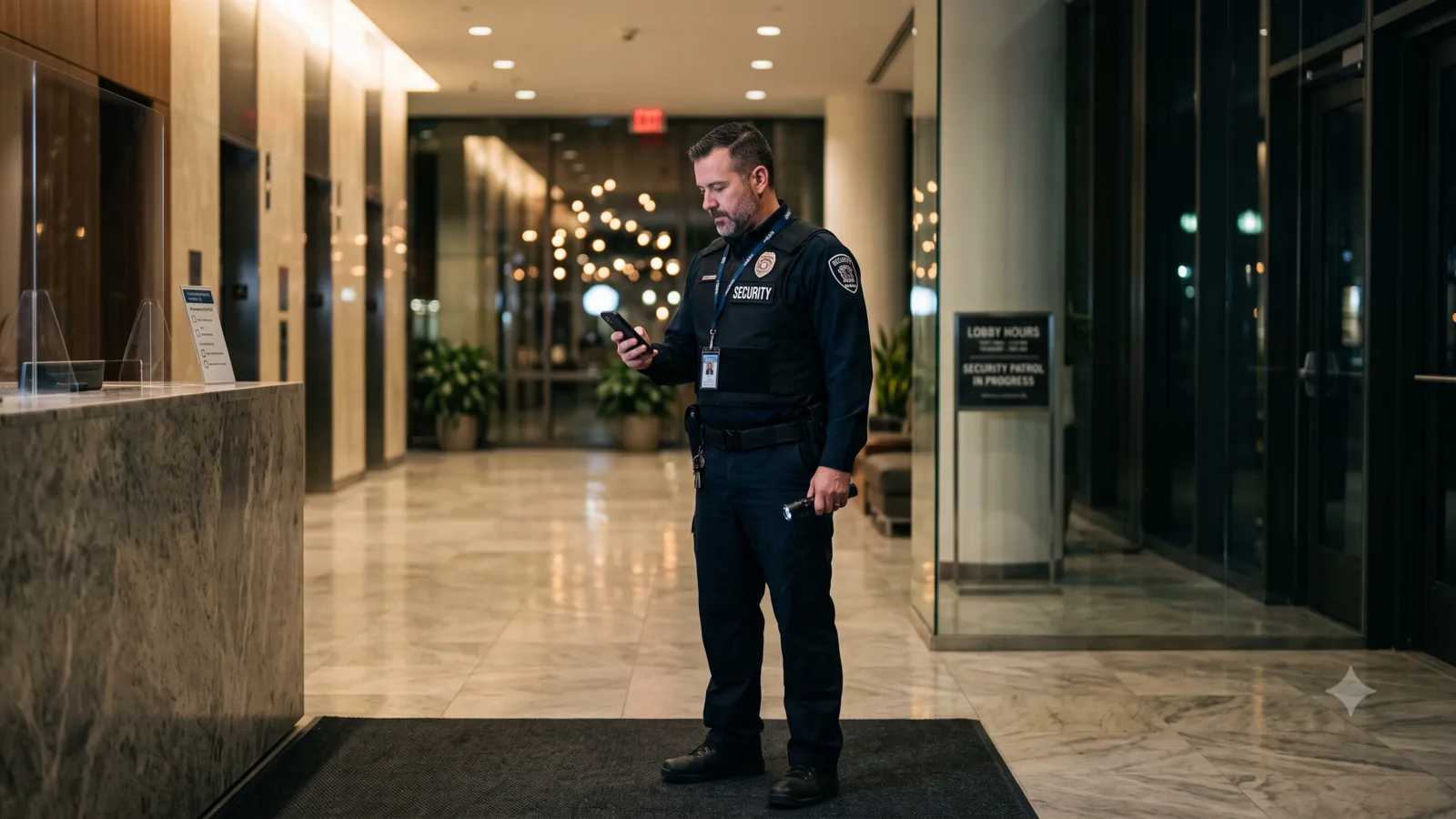
Paper patrol logs were good enough in 2005. In 2026 they cost security companies clients, contracts and insurance claims. A clipboard cannot prove a guard was actually at a checkpoint at 02:14, cannot timestamp a photo of a broken window, and cannot push an incident notification to a supervisor in real time. Worse, when a client asks for last month's patrol reports during a renewal, you are stuck scanning binders. This guide walks through how to automate security patrol reports with modern patrol reporting software — and what the switch typically looks like.
The hidden cost of paper patrol logs
On paper, a paper logbook looks free. In practice every signed sheet has a real cost: the guard spends time filling it in by hand, the supervisor spends time chasing missing entries, and the office spends time scanning, filing and re-typing data when a client asks for a report. Worse, the audit trail has gaps your insurer can drive a truck through — there is no proof of GPS location, no photo evidence, and the timestamps are whatever the guard wrote down.
The harder cost is commercial. Security buyers are increasingly putting clauses in contracts that require digital, timestamped patrol reports with photo and GPS evidence. If you cannot produce those, you do not get the contract — even if your guards are objectively excellent.
What security patrol reporting software actually does
Modern security patrol reporting software replaces the clipboard with a mobile app the guard uses on patrol. Each checkpoint becomes a digital step with required fields — a photo, a signature, a barcode or NFC tag scan, a free-text note. Every step is timestamped and GPS-tagged automatically, and the data syncs to a central dashboard the moment the guard has signal.
For supervisors the difference is dramatic. Instead of waiting until morning to read the night's log, they see patrols in progress on a live map, get instant push notifications on incident reports, and can prove to a client at any point that the contract is being executed.
- Digital patrol task types with custom fields (photo, signature, checklist, barcode)
- Automatic GPS tagging and timestamps on every entry
- Incident reports filed from the mobile app with photos and location
- Real-time dashboard for supervisors and dispatchers
- Searchable historical archive — pull any night's patrol in seconds
The patrol report features you cannot skip
Not every "guard app" is a patrol reporting platform. When you evaluate tools, the bare-minimum feature set is straightforward: configurable patrol task types, mandatory photo capture, digital sign-off, per-task GPS arrival detection, and an incident-report workflow that includes photo, GPS and free-text fields. Anything less and you will rebuild it on top of paper anyway.
A useful tie-breaker is whether the platform supports the rest of your operation: guard scheduling on a Gantt, day-off requests, skill-based assignment (so only guards with the right licence reach the right post), and integrations or webhooks for your billing system. Buying one tool for patrols and another for scheduling is how security companies end up with five subscriptions and no single source of truth.
Why GPS-tagged check-ins win client renewals
GPS arrival detection is the single biggest commercial win in this category. When a guard's mobile app automatically detects entry and exit at a client site, you get something paper patrol logs cannot give you: independent evidence the guard was there. That evidence ends arguments with clients over whether a patrol happened, supports payroll accuracy because you know exactly when shifts started and ended, and is gold in incident investigations.
It also closes one of the oldest holes in the industry — the "phantom patrol." A guard can sign a clipboard in advance. They cannot fake a GPS entry into a geofenced site, especially when the entry triggers a photo capture step on the patrol task.
Migrating from paper: a 4-step rollout
Most security companies can switch from paper to digital patrol reports in under two weeks. The pattern that works:
- Step 1 — Pick a single client site and one shift. Model that site's checkpoints as a patrol task type with photo + signature steps.
- Step 2 — Onboard the guards on that shift in person. Have them shadow on paper and digital for two nights, side by side, so you can spot any missing steps.
- Step 3 — Switch the shift to digital-only. Use the dashboard reports for the first week's supervisor handover. This is when the time savings become obvious.
- Step 4 — Roll out across all client sites. Use the same patrol task type as a template, tweaked per site. Most companies are fully digital inside 10 working days.